

By Ernest / April 21, 2026
Most people see Terminal and close it immediately.
Black screen. Blinking cursor. Feels like one mistake will break everything.
It won’t.
Terminal is just a way to talk directly to your computer. No menus. No guessing. Just clear instructions.
Step 1: Open Terminal
On Mac:
- Press Command + Space
- Type “Terminal”
- Press Enter
On Windows:
- Click Start
- Type “Command Prompt” or “Terminal”
- Click to open
That’s it. You’re in.
Step 2: Don’t Panic
You’ll see a blinking cursor.
That’s just your computer waiting for you.
You are not going to break anything by typing simple commands.
Step 3: Your First Commands
Type this and press Enter:
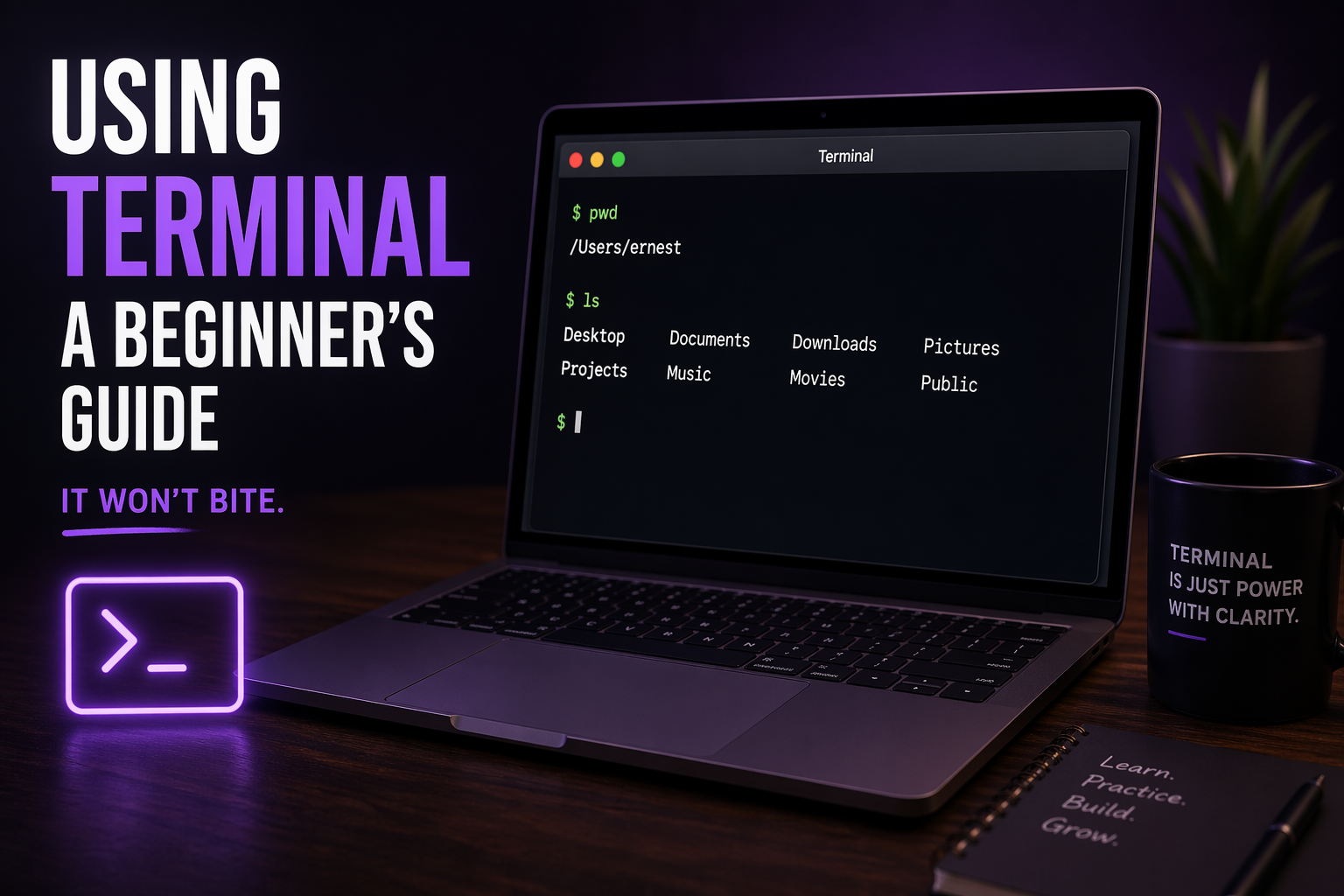
Type this and press Enter: pwd
This shows where you are on your computer.
Now type:: ls
Press Enter.
This shows what’s in that location.
You’re just looking around. Nothing is changing.
Why This Matters
Most people click through their computer.
Terminal lets you move faster and think clearer.
Instead of hunting for files, you go straight to them.
Instead of guessing, you know.
Final Thought
Terminal looks intimidating because it’s different.
But it’s one of the most powerful tools you have.
And once you get comfortable with it, it becomes your advantage.
Start simple. Stay curious. Keep going.
by Ernest White